

 2026-06-01
 | Model: | P6 |
| Sensor: | 1.0M |
| LCD screen: | 2.0 inch HD LCD |
| Lens: | Single lens |
| Color: | Blue, pink |
| Photo pixels (interpolation ): | 1M/5M/8M/12M/18M/26M/40M (interpolated pixels) |
| Video resolution(interpolation ): | 1080P/720P/VGA |
| Picture/Video format: | JPG/AVI |
| Real time projection: | Support |
| Battery capacity: | 2500mAh |
| External memory: | Micro SD card up to 32GB (not included) |
| Zoom: | 1X-7X |
| Time lapse: | Off, 2S Timer, 5s Timer, 10s Timer |
| Burst shot: | Off, On |
| Loop recording | Off, 1 min, 2 min, 3 min, 5 min, 10 min |
| Photo frame / special effects: | 20 photo frames+5 special effects+6 color filter |
| Button: | Left, right, up, down, OK, return |
| Language: | English, Traditional Chinese, Simplified Chinese, Japanese, French, German, Korean, Italian, Portuguese, Russian, Spanish, Thai |
| Volume: | Adjustable |
| Date / time: | YR-MM-DD, HH-mm-ss |
| Format: | Erase all data in SD card |
| Default settings: | Restore default settings |
| Edition: | Software version |
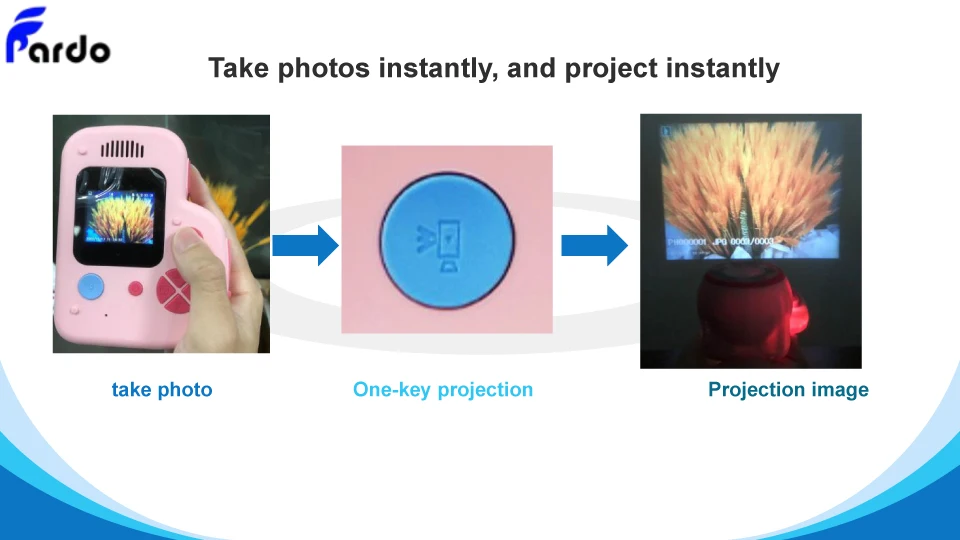
●This is a built-in camera to take photos and videos, which can be projected immediately without any conversion, so that you can experience the fun of projection as soon as you take a picture or video.
●Allow you to project any content you like or choose, which you can use on birthdays, parties, outdoor plays, etc.
●It’s also small and portable, so you can take along with you and store the photos and videos you need, to help you give presentations and share content at meetings.
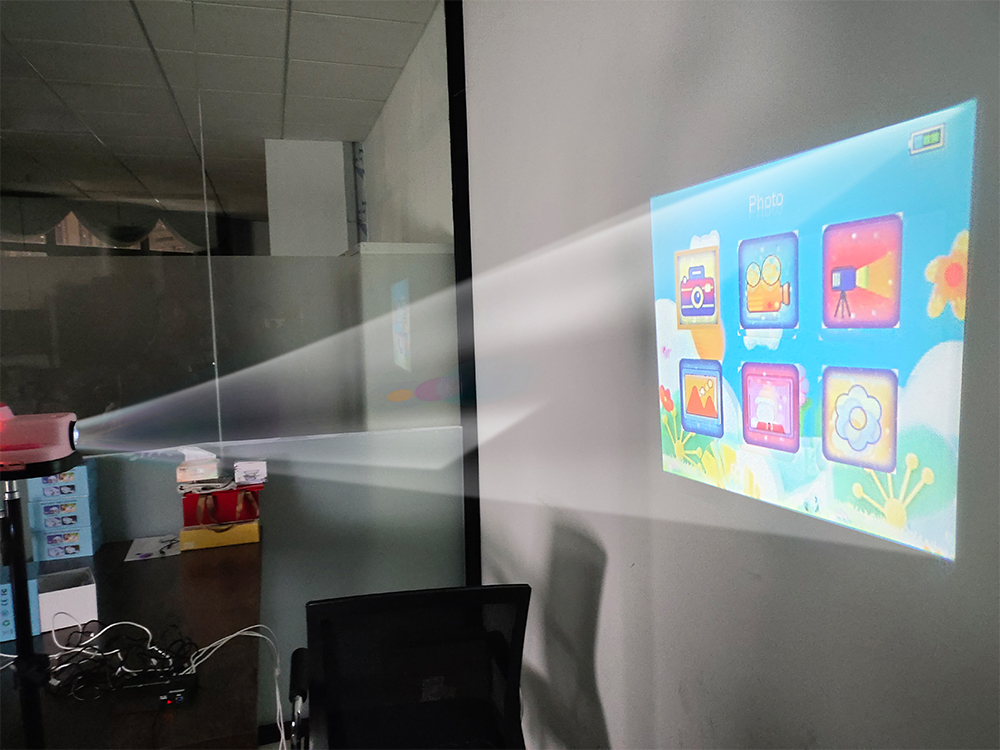
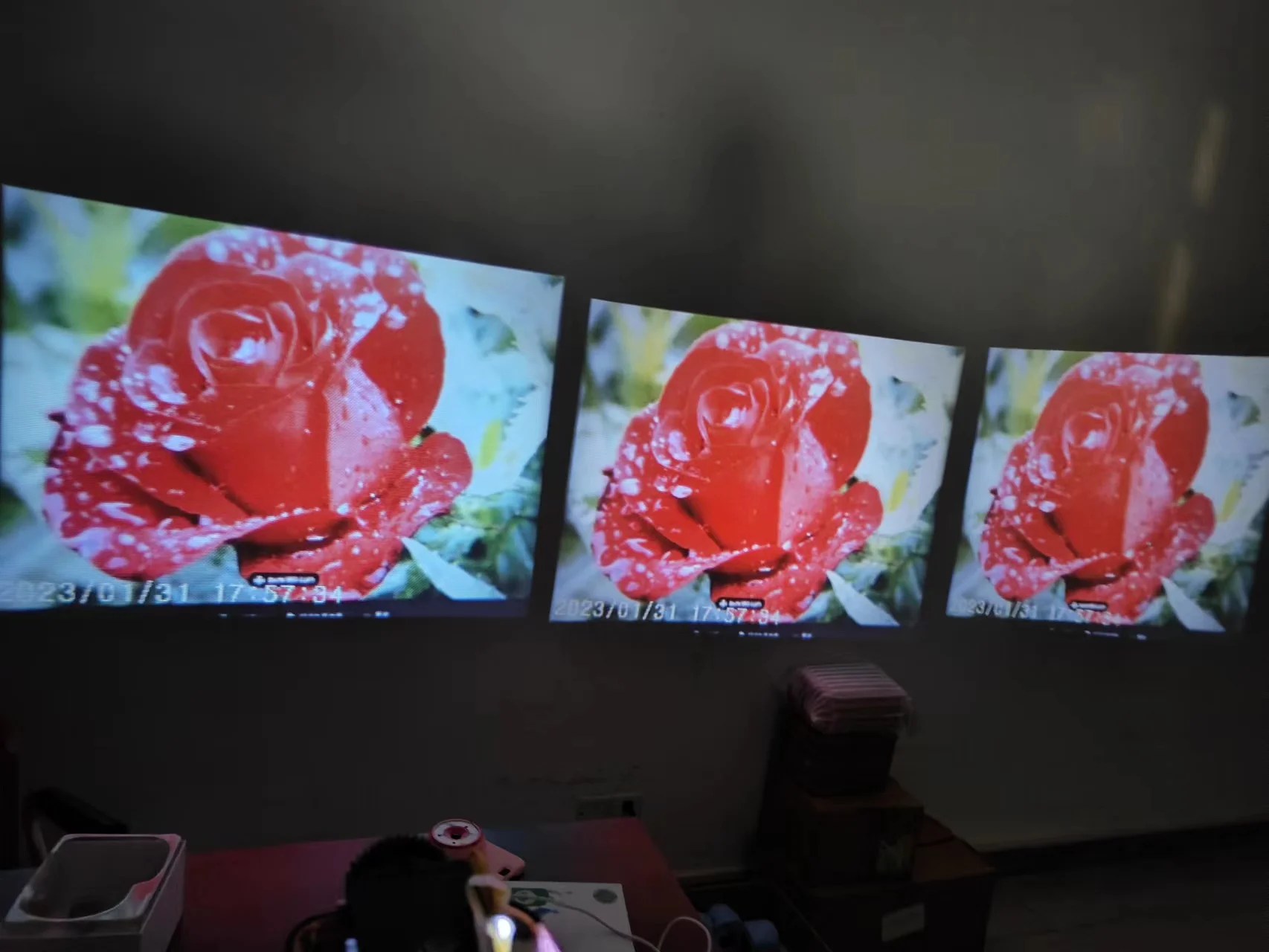
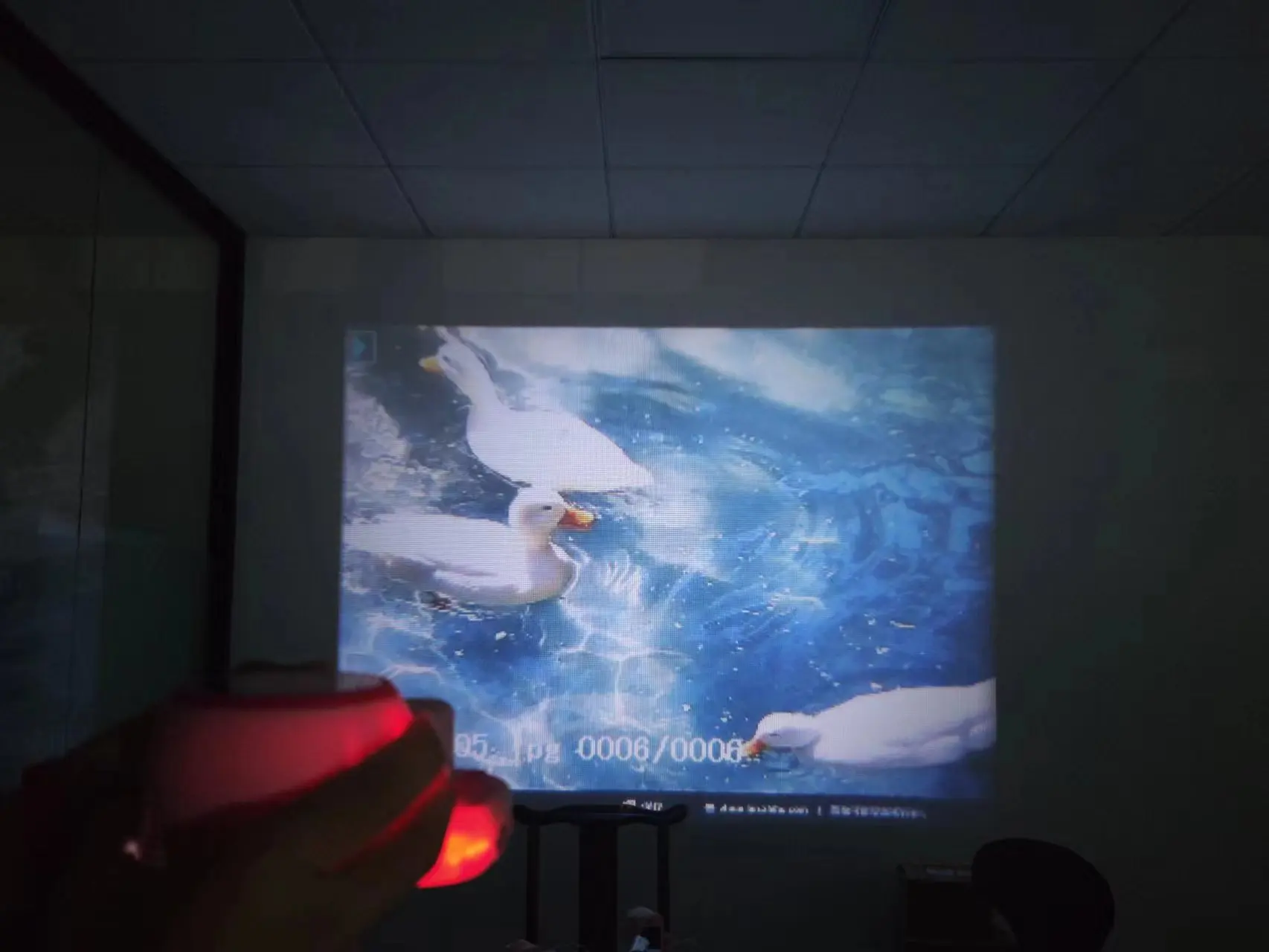


With the click of one button, you can use the projection function, and the side button can be used to switch between the photos or videos you want when the camera is flipped to project.
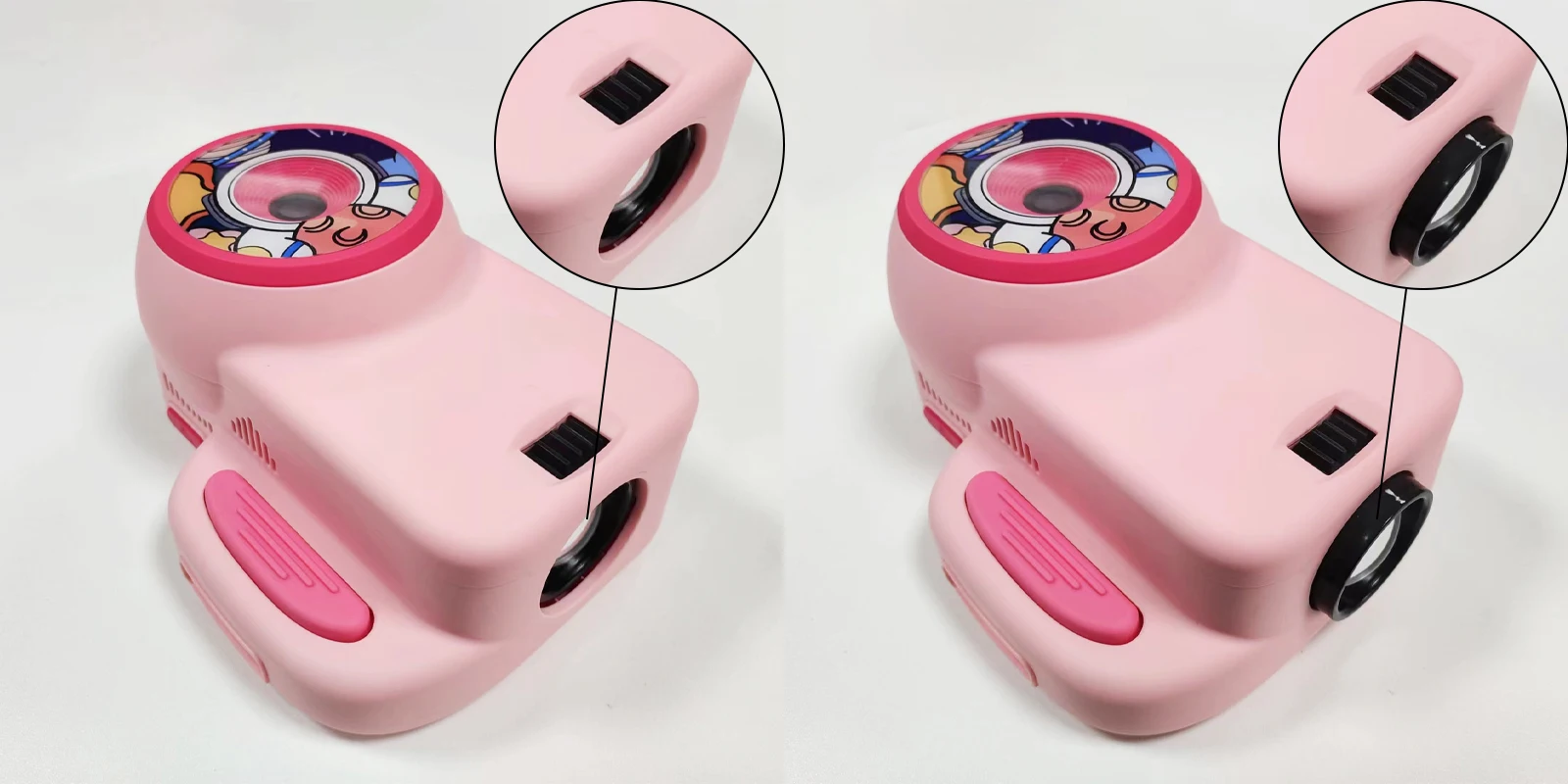
The projection picture size can be adjusted through the gear of the device, making the projected picture clearer and the colors brighter,which enable your children with a comfortable projection experience.
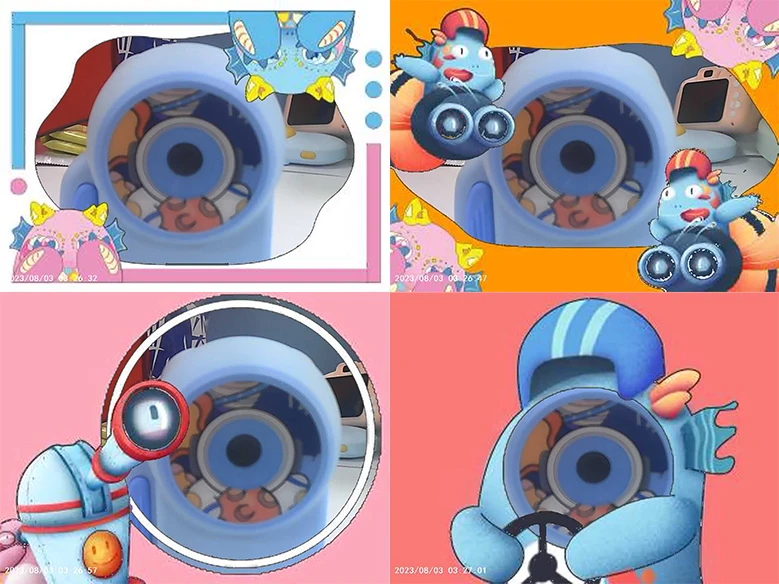
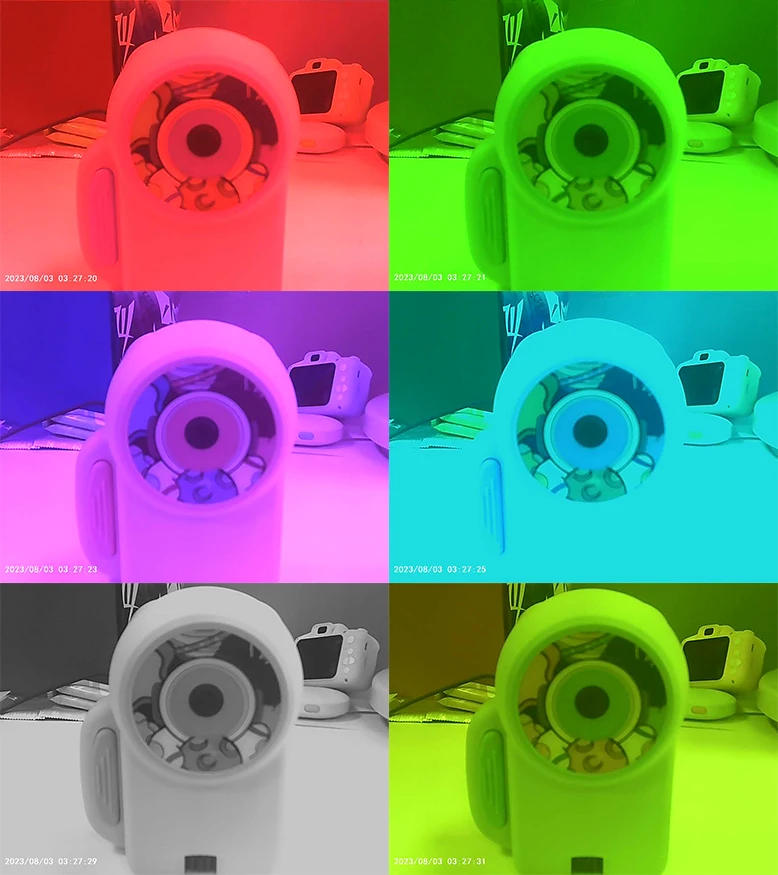
Projection camera contains 35 kinds of funny frame, 6 kinds of filters, a variety of stickers and filters for children to choose, add interest and personality.Make a character or scene more lively, let children to enjoy the fun shooting experience.
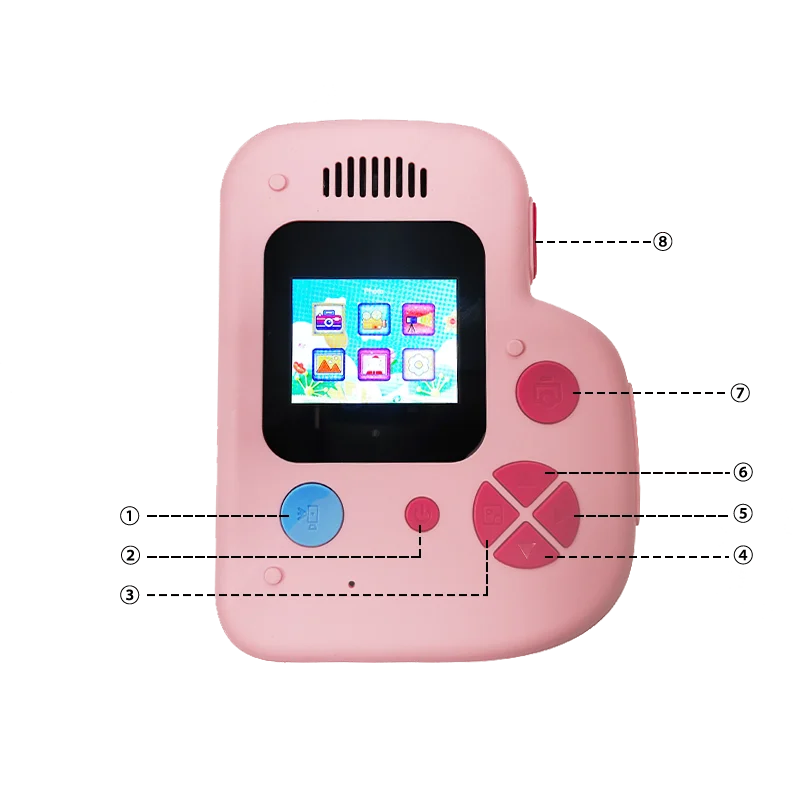
The main interface UI of the projection camera consists of 6 ICONS, each corresponding to a different function. Starting from the top left corner are: photo, video, projection, gallery, Funny frame, Settings.
The buttons of the products are respectively:
1 Projection button
2 Power button
3 Browse button/left button
4 Down button
5 Right button
6 Up button
7 confirm button/Take photo button
8 Switch button


Copyright © 2019-2020 Pardo technology
Maibox:sales01@pardotech.com

